Geographic visualization

Your leads
on a map

Visualize all your leads on a map with automatic geolocation. Zoom from the entire country down to street level to identify each prospect, spot high-potential areas and plan your sales routes.

A free CRM interactive map included in Prospect Hub, with color-coded markers by status, smart clustering and quick filters.

Try it free

Zoom from France to street level

From the national view down to street-level detail, explore your prospects at every scale for an optimal prospect map visualization.
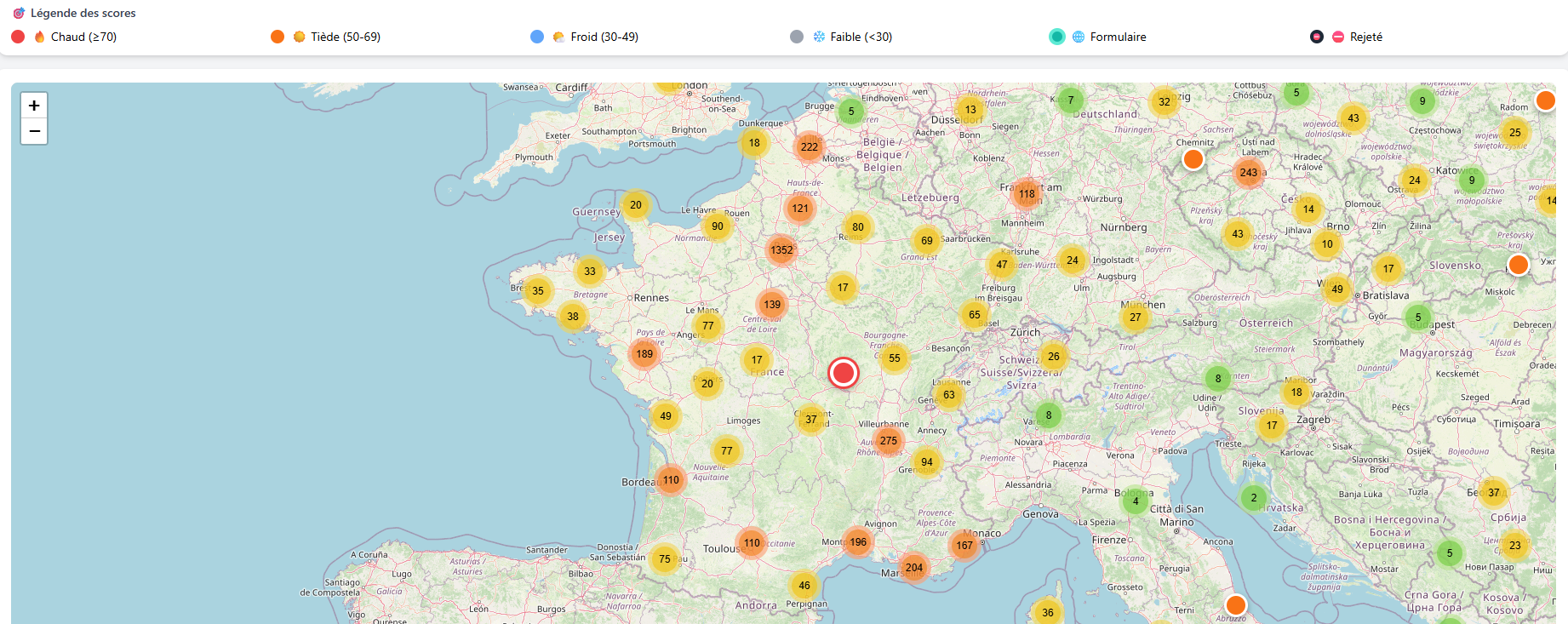
Interactive CRM map - National view of all prospects in France with color-coded markers by status
National view

Overview of the country

See all your prospects at a glance. The color-coded markers by status let you instantly identify the geographic distribution of your leads and your prospecting coverage across the entire territory.
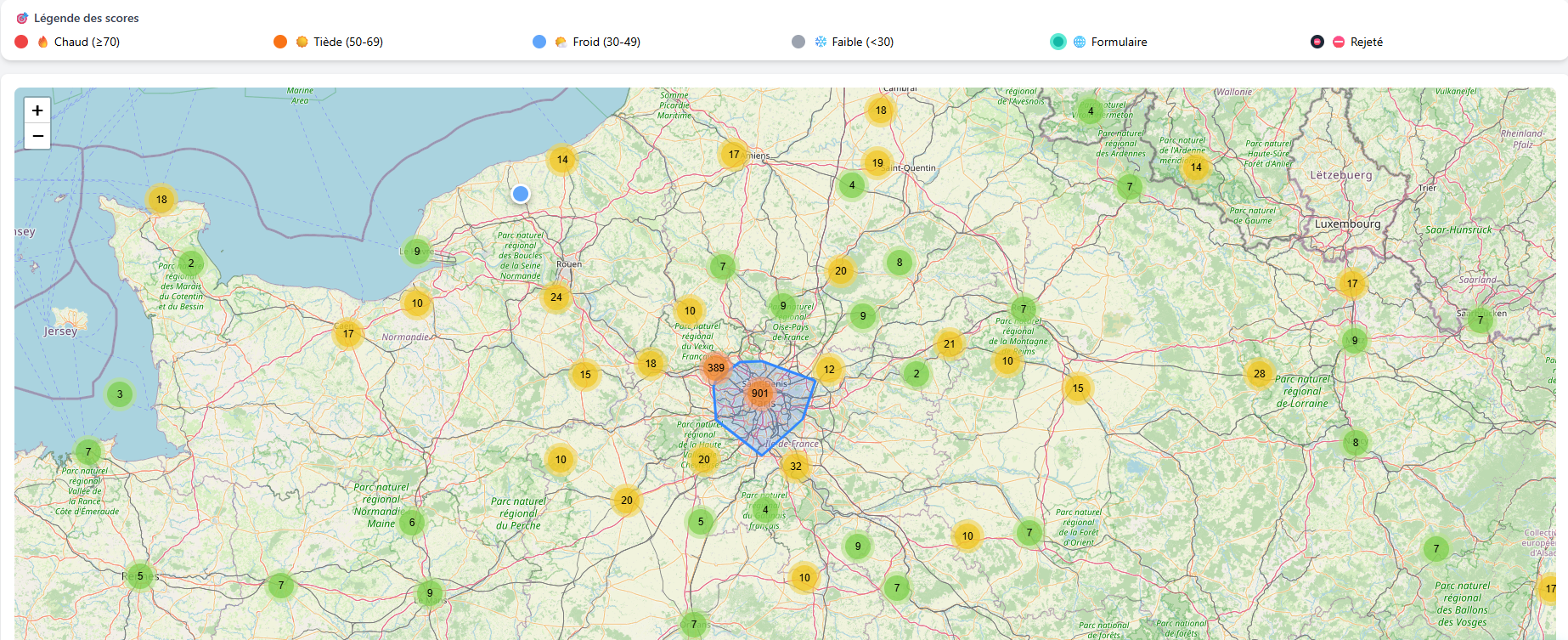
Lead map - Regional view with prospect clusters and opportunity zones
Regional view

Zoom into a region

Zoom into a region to identify prospect clusters and opportunity zones. Smart clustering automatically adjusts the display to keep the map readable, even with hundreds of leads.
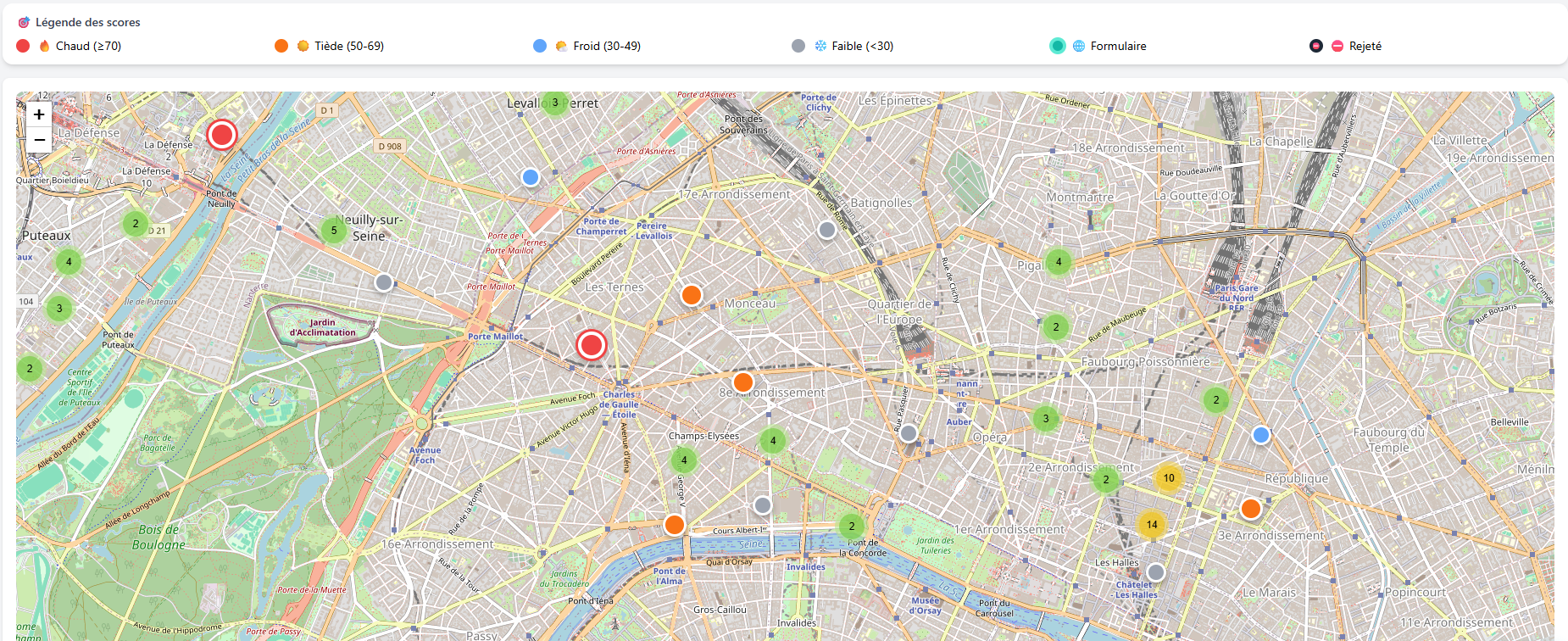
Prospect geolocation - Local view at street level with details of each lead
Local view

Street-level detail

At maximum zoom, each prospect appears individually on the map. Click on a marker to see the lead details: name, address, phone, status and score. Ideal for preparing a neighborhood-by-neighborhood prospecting route.

Map features

A free CRM map designed for field prospecting, with all the tools to leverage your geographic data.

Color-coded markers by status

Each status has its own color for instant identification on the map.

New
Contacted
Interested
Client
Rejected

Smart clustering

When you zoom out, nearby markers automatically group into clusters with the number of prospects. Zoom in to see details. The map stays readable even with thousands of leads.

Quick filters

Filter the markers displayed on the map by status, score or category. Display only "New" prospects in an area, or high-potential leads in a zone.

Click for details

Click on any marker to open a summary card of the lead: name, address, phone, email, status and score. Go directly to the full profile in one click.

Open in Google Maps

From each marker, directly open the address in Google Maps to get directions, Street View or additional information about the prospect.

Automatic geocoding

Import your leads with an address and Prospect Hub automatically places them on the map. Geocoding converts the postal address into GPS coordinates without any action on your part.

Use cases

Prospect Hub's interactive CRM map adapts to all field prospecting scenarios.

Plan a sales route

Zoom into an area, identify prospects to visit and optimize your route. No more juggling between Excel and Google Maps.

Identify high-potential areas

Clusters reveal areas with a high concentration of prospects. Focus your efforts where the potential is highest.

Visualize geographic coverage

See at a glance the covered areas and the blank spots. Adjust your prospecting strategy accordingly.

Spot uncontacted prospects

Filter by "New" status and zoom into a neighborhood. Immediately identify leads waiting for your first contact.

Other features

Visualize your leads on a map

Create your account in 30 seconds, import your leads and visualize them on the map. No credit card required, 300 leads included.