Why all leads are not created equal
You’ve imported 200 leads from Google Maps. Congratulations! But now, where do you start? Call in alphabetical order? Take the first ones on the list? Pick at random?
73% of salespeople waste valuable time contacting poorly qualified prospects, while “hot” leads go cold.
The problem isn’t the number of contacts. It’s the lack of automatic qualification. Without a prioritization system, you risk spending an hour with a prospect who’ll never buy, while a perfect potential client has been waiting for your call for three days.
That’s exactly what lead scoring solves: an intelligent system that automatically evaluates each prospect and tells you who to call first.
What is lead scoring?
Lead scoring assigns a numerical score (0 to 100) to each prospect based on predefined criteria. The higher the score, the “hotter” the lead and the more it deserves your immediate attention.
The fundamental principle
Scoring analyzes the opportunity signals present in lead data:
- A restaurant with no website? High potential for selling digital services.
- A business with a mobile number? Direct contact made easy.
- A shop with 150 Google reviews and a 4.7 rating? Business is booming, budget available.
These signals, intelligently combined, let you rank your leads from most promising to least interesting. No more blind calls.
Scoring criteria in Prospect Hub
Prospect Hub uses 5 categories of criteria to calculate each lead’s score. Here’s the detail of each criterion and its impact.
1. No website: the king criterion
| Criterion | Points (default) | Logic |
|---|---|---|
| No website | +40 pts | Prospect with no digital presence = obvious need |
This is the most discriminating criterion for web prospecting. A business without a website in 2026 represents a major opportunity: they have a real, measurable need, and you can provide a concrete solution.
2. Phone number type
| Criterion | Points (default) | Logic |
|---|---|---|
| Mobile number | +20 pts | Direct contact with the decision-maker |
| Landline number | +5 pts | Contact available |
A mobile number often means you’ll be speaking directly to the owner or manager. No switchboard to navigate, no secretary to convince. Conversion is faster.
3. Google rating (reputation)
| Criterion | Points (default) | Logic |
|---|---|---|
| Rating >= 4.5 stars | +10 pts | Excellent reputation, business is thriving |
| Rating >= 4.0 stars | +0 pts | Good reputation |
| Rating >= 3.5 stars | +0 pts | Fair reputation |
A high Google rating indicates a business that takes care of its customers. These businesses generally have more budget and are more receptive to proposals for improving their image.
4. Number of Google reviews (activity)
| Criterion | Points (default) | Logic |
|---|---|---|
| 100+ reviews | +5 pts | Very active business, large clientele |
| 50-99 reviews | +0 pts | Active business |
| 20-49 reviews | +0 pts | Established business |
The number of reviews reflects commercial activity. A restaurant with 200 reviews likely has significant revenue and can invest in their digital communication.
5. Email presence
| Criterion | Points (default) | Logic |
|---|---|---|
| Email available | +20 pts | Dual contact channel |
Having the email allows you to send a proposal after the call, follow up in writing, or prepare the ground before the first phone contact. It’s a valuable relationship asset.
Default points summary table
| Criterion | Points | Cumulative? |
|---|---|---|
| No website | 40 | Yes |
| Mobile number | 20 | No (exclusive with landline) |
| Landline number | 5 | No (exclusive with mobile) |
| Google rating >= 4.5 | 10 | No (best rating only) |
| 100+ Google reviews | 5 | No (best category only) |
| Email present | 20 | Yes |
Maximum achievable score: 40 + 20 + 10 + 5 + 20 = 95 points
How to configure your custom scoring
Every business has its own priorities. Prospect Hub lets you adjust the weight of each criterion based on your sales strategy.
Access configuration
- Log into your Prospect Hub account
- Go to Settings > Scoring
- Adjust the sliders for each criterion
- Click Save
All your existing leads’ scores are automatically recalculated with your new configuration.
Custom configuration examples
Web agency (website creation):
No website: 50 pts (+10)
Mobile number: 25 pts (+5)
Google rating >= 4.5: 15 pts (+5)
Logic: Absence of a website is critical for your offering.
SEO consultant:
No website: 20 pts (-20)
Google rating >= 4.5: 25 pts (+15)
100+ Google reviews: 15 pts (+10)
Logic: You target businesses that already have a site but want more visibility.
Generalist B2B salesperson:
All criteria balanced
Max score around 100 pts
Logic: No particular bias, overall prioritization.
Interpreting score badges
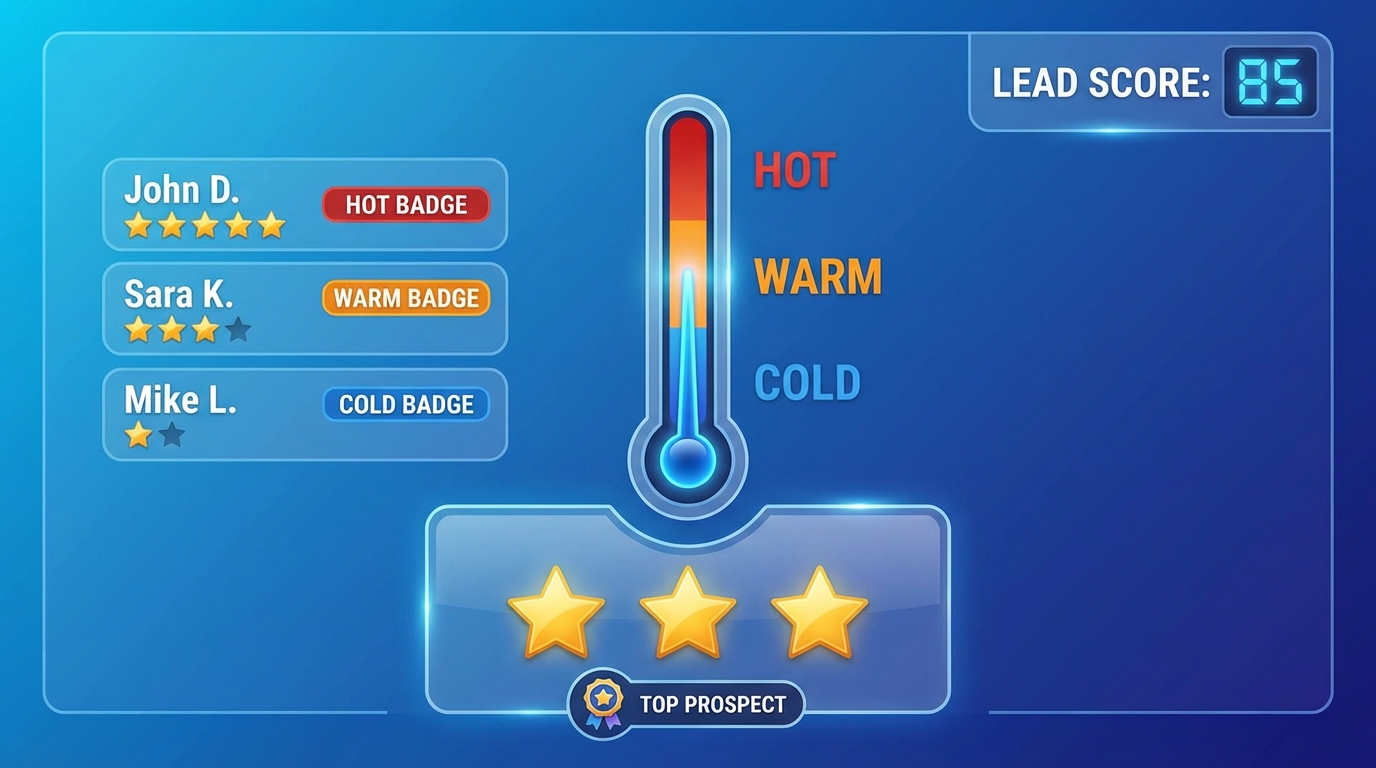
Prospect Hub displays a visual badge for each lead, calculated from the score:
| Badge | Score | Meaning | Recommended action |
|---|---|---|---|
| Hot | 70-100 | High-potential lead | Call today |
| Warm | 50-69 | Interesting lead | Call this week |
| Cool | 30-49 | Lead to qualify | Call if available |
| Cold | 0-29 | Low-qualified lead | Low priority |
What each badge means
Hot (70+): This prospect cumulates multiple positive signals. They probably don’t have a website, you have their mobile, and their business is thriving. This is your absolute priority.
Warm (50-69): Good potential, but one or two criteria are missing. Maybe they have a basic website, or you only have their landline. Contact quickly.
Cool (30-49): Some positive signals, but many unknowns. The lead deserves a phone qualification to confirm the opportunity.
Cold (0-29): Few favorable criteria. Either they already have everything (site, digital presence), or you lack information. Process last.
Strategy: who to call first?
Now that you understand scoring, here’s a concrete method to organize your prospecting sessions.
The 80/20 rule applied to leads
Focus 80% of your time on leads with a score above 50. They’re the ones that will generate the majority of your conversions.
Organizing a prospecting session
- Filter by descending score in the leads list
- Start with “Hot” leads (70+)
- Move to “Warm” (50-69) when Hot ones are handled
- Note your interactions in each lead’s record
- Schedule reminders for interested prospects
Concrete example
You have 150 leads imported this morning:
- 12 “Hot” leads (70+) > Call all of them today
- 38 “Warm” leads (50-69) > Call 15-20 if time permits
- 65 “Cool” leads (30-49) > Tomorrow or when you have time
- 35 “Cold” leads (<30) > Re-qualify later
In 3 hours of targeted prospecting on the 12 hot leads, you’ll probably get more meetings than calling 50 random leads.
Use the pipeline to track
Once a lead is contacted, move it through your prospecting pipeline:
- New > Uncontacted lead
- Contacted > First call made
- Interested > Qualified prospect, opportunity identified
- Client > Deal closed
Scoring helps you prioritize new leads. The pipeline helps you track leads in progress.
Conclusion: scoring, your secret weapon
Lead scoring transforms a raw contact list into an intelligent queue. No more guessing who to call: the system calculates for you.
Concrete benefits
- +40% conversions by contacting hot leads first
- -60% wasted time on poorly qualified prospects
- Better morale: you’re talking to people who actually need you
Scoring starts with clean data
A score is only valuable if the leads are real. If your form lets spam through, your “Hot” leads will just be noise. That’s why Prospect Hub integrates 9 layers of anti-spam protection — including AI content analysis — so only real prospects reach your pipeline and scoring.
Take action
Prospect Hub automatically calculates the score for every lead you import. Discover all our features or check our guide How it works to master the tool.
Ready to prioritize your calls like a pro? Create your free account and import your first leads now. Scoring does the rest.
Remember:
- Lead scoring assigns a 0-to-100 score to each prospect
- Main criteria: no website, phone type, Google rating, reviews, email
- Hot/Warm/Cool/Cold badges tell you who to call first
- Configuration is 100% customizable to your business
- Combine scoring + pipeline for optimized prospecting